Portable Laser Engraver Guide: Uses, Limits and Safety
A portable laser engraver is easier to move than a conventional workshop laser. Depending on its laser source, it can personalize gifts and jewelry, make small signs and product labels, or handle classroom projects and short production runs. You still need somewhere to set it up: a stable work surface, suitable power, ventilation and controls that keep people away from the beam. The word “portable” does not guarantee cordless or handheld operation.
The right machine depends on what you want to process. A blue diode laser is well suited to wood, leather, paper and many coated surfaces. A 1064 nm infrared or fiber source is a better match for marking many bare metals and plastics. A compact CO₂ system is more capable on clear acrylic and other organic materials, but it usually requires more space and cooling.
What Is a Portable Laser Engraver?
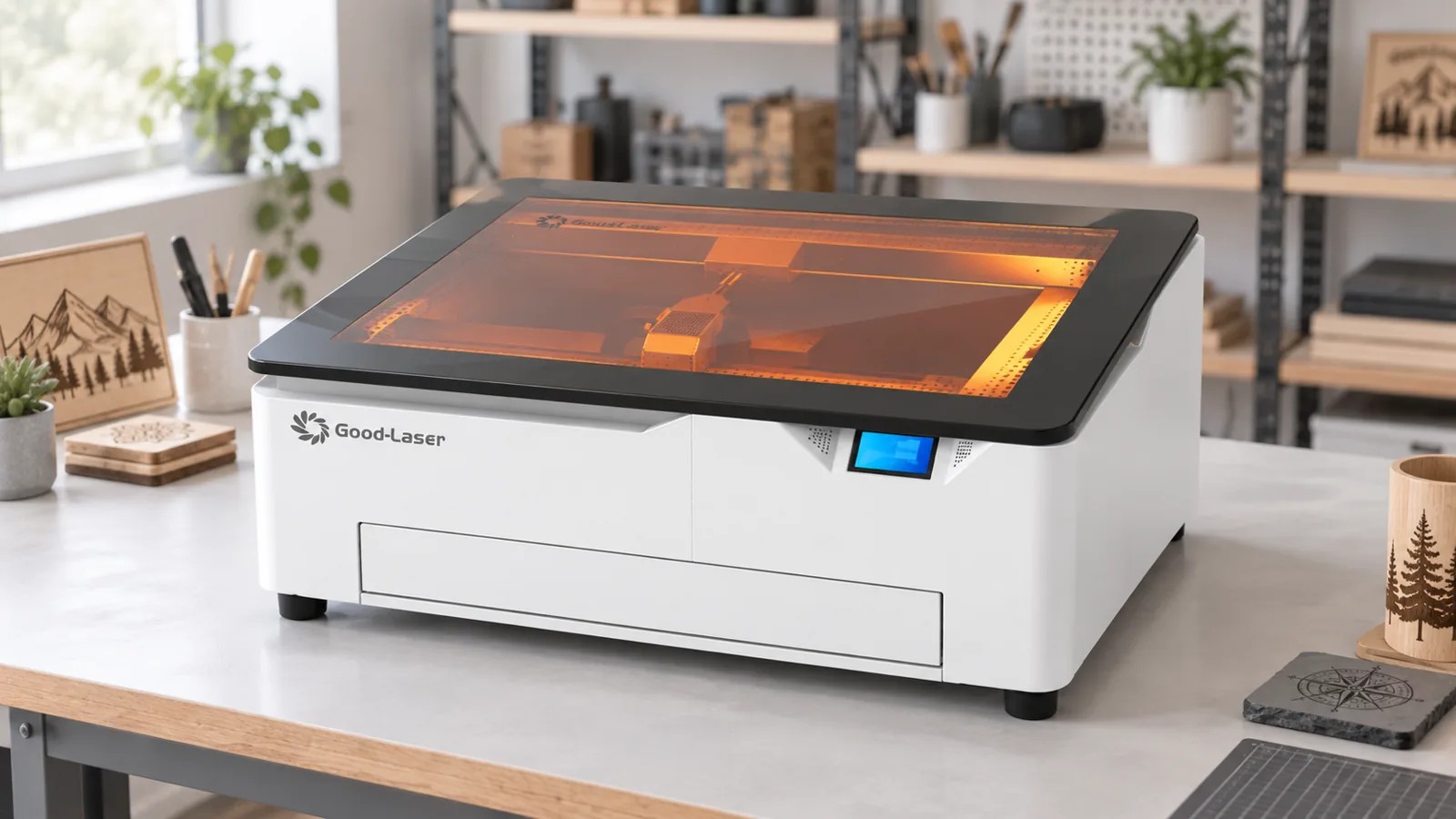
Manufacturers use “portable” for several machine designs. The differences affect how you move the equipment, how much space it needs and what you can make.
Compact enclosed desktop engravers
These machines combine the laser, motion system and work area inside a protective housing. They are easier to move than industrial equipment, but most still belong on a bench or sturdy table. The enclosure may also support an exhaust connection, viewing window, lid interlock and emergency stop.
For example, the Good-Laser Light Blue 530 has a machine size of 805 × 585 × 320 mm, a 520 × 315 mm working area and a listed device weight of up to 50 kg. Good-Laser describes it as a portable blue-light engraver. At that size, plan to relocate it between workspaces and operate it on a bench, not carry it while it runs.
Compact galvo engravers
Galvo systems steer the beam with mirrors instead of moving a laser head across an X-Y gantry. Their compact size and marking speed suit names, logos, serial numbers and simple graphics on small objects. Their marking field is usually smaller than the bed of a desktop gantry machine. Some models combine a blue diode with an infrared source to cover a wider material range.
Open-frame or collapsible engravers
An open-frame diode laser can be relatively light and easy to disassemble. It may offer a larger work area for the price, but the exposed operating area demands more planning. Include a suitable enclosure, beam controls and fume extraction when planning the space and budget.
What Can You Make With a Portable Laser Engraver?
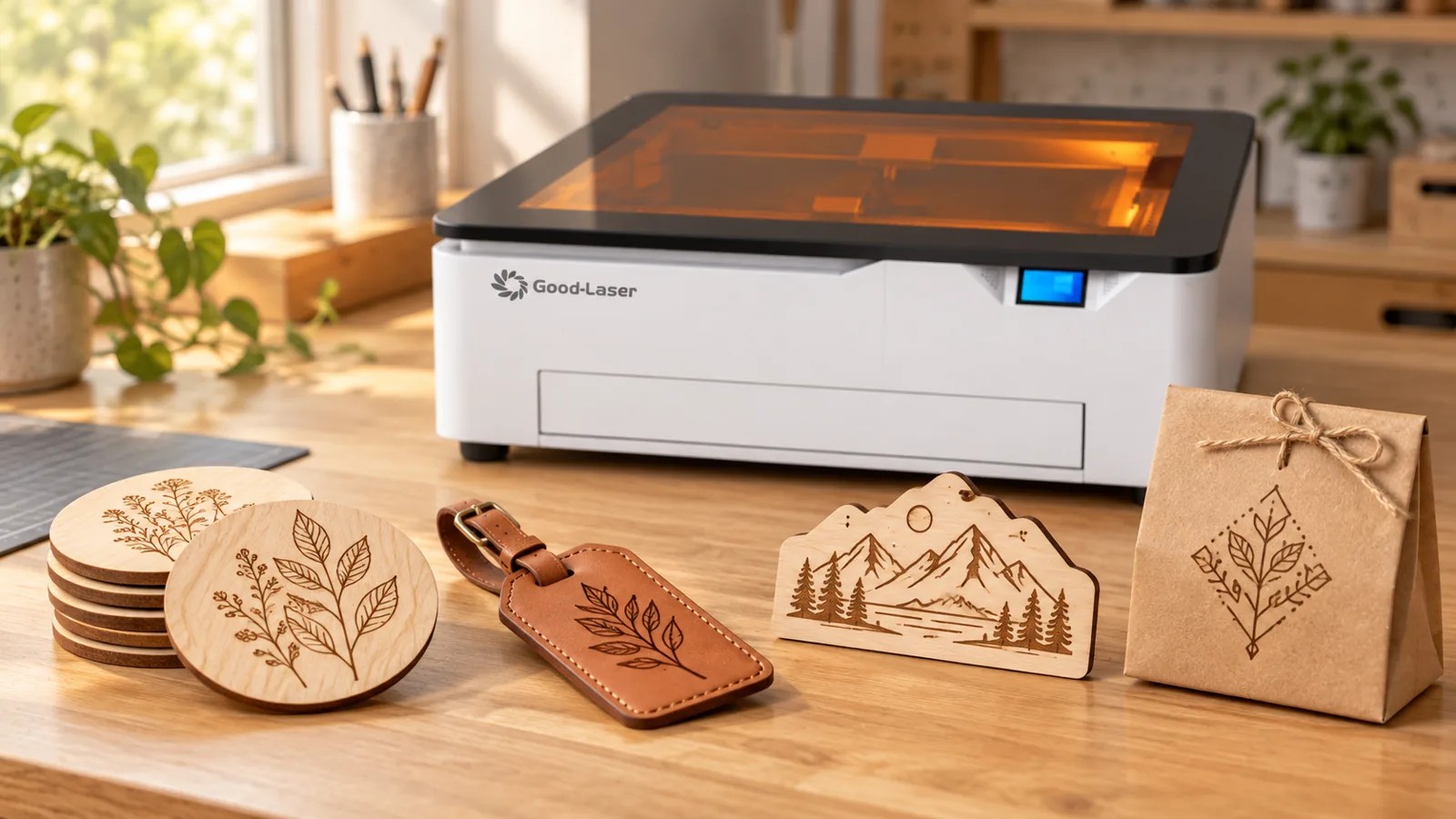
Portable machines are most useful when the project is small enough for the work area and compatible with the installed wavelength.
Personalized products and gifts
Coasters, keychains and leather goods are common candidates for names or illustrations. Plaques, ornaments and packaging offer more room for logos and dates. Compact machines suit these jobs because engraving cycles are usually short and designs change frequently.
Small-business production
A portable engraver can support made-to-order products, prototypes and small batches. It is especially useful when each item needs a different name, number or graphic. To estimate daily output, time a complete job. Count loading, focusing and positioning as well as engraving. Unloading, cleaning and waiting for fumes to clear take time too.
If you are comparing production models, the laser engraver for small business guide explains how work area, repeatability and workflow affect capacity.
On-site personalization
Compact systems can be transported to events, retail counters or customer facilities when the location provides appropriate power, ventilation, access control and a stable work surface. At a public venue, restrict access to the operating area. Bystanders must not be able to reach the beam or moving parts, interrupt the job or open the enclosure.
Classroom and maker projects
An enclosed system can support design, prototyping and STEAM activities when the institution has approved the equipment, materials and operating procedure. Classroom use requires supervision, training and functioning interlocks. An open-frame laser needs a safety assessment even if it fits comfortably on a desk.
Labels, codes and identification marks
Depending on the laser source, compact engravers can produce asset labels, serial numbers, data-matrix codes and QR codes. The result must be tested on the actual material. A code that looks clear on a screen may fail to scan if the engraved cells are too small, distorted or low in contrast.
Which Materials Can a Portable Laser Engraver Process?
Check the wavelength and optical power against the material and its surface treatment. Also specify the result you need: a surface mark, an engraved recess or a cut all the way through.
| Material | Typical portable-laser result | Main limitation |
|---|---|---|
| Wood and plywood | Blue diode lasers can engrave and cut compatible thin stock | Resin, glue, density and thickness change the result; test every batch |
| Paper and cardboard | Fast marking and light cutting are possible | These materials ignite easily and require close supervision |
| Natural leather | Good contrast is possible with a diode or CO₂ laser | Coatings and synthetic leather may contain unsafe compounds |
| Dark or opaque acrylic | Some blue diode systems can mark or cut compatible colors | Visible blue light often passes through clear acrylic; CO₂ is normally more suitable |
| Clear acrylic | CO₂ laser processing is generally the practical route | A standard blue diode is usually a poor match |
| Coated or anodized metal | A diode can remove or alter the coating to create a mark | Coating removal does not establish deep-engraving capability in the metal underneath |
| Bare metal | Infrared or fiber sources are better suited to marking | Low-power portable systems normally do not cut sheet metal |
| Dark glass, ceramic and stone | Surface marking may be possible after testing | Brittle materials can chip or crack, and results vary by composition |
| Cylindrical objects | Cups, bottles and tumblers can be processed with a compatible rotary attachment | Diameter, taper, clearance and rotary calibration limit the job |
For a closer look at your main material, see Good-Laser’s guides to laser engraving wood, laser engraving acrylic, glass engraving and metal marking. They can help you narrow the machine type beyond a general compatibility list.
What Are the Main Limits of a Portable Laser Engraver?
A machine can fit your desk and still be a poor fit for your work. Check part size, material compatibility and the time needed to finish each job alongside speed and power specifications.
Plan for power, extraction and accessories
Most portable engravers need mains power, a computer or mobile device, exhaust ducting or filtration, and room around the enclosure. Accessories such as a rotary attachment, honeycomb bed, air assist and purifier also have to travel with the machine. Allow for the whole setup when deciding whether you can transport it regularly.
The working area limits product size
The machine footprint and engraving field are different measurements. Confirm the usable X-Y area, maximum material height and clearance required by rotary accessories. Pass-through features can accommodate longer stock on some systems, but they do not increase the maximum engraving width.
One wavelength cannot process every material well
A blue diode, infrared source, CO₂ laser and fiber laser interact differently with the same object. A diode that produces a dark mark on wood may pass through clear acrylic. An infrared source that makes a sharp mark on metal may have little cutting ability. Choose the source for your main material. Accessories and speed settings cannot compensate for a wavelength that the material does not absorb effectively.
Cutting capacity is easy to overestimate
A maximum cutting-thickness claim usually assumes a specific material, focus, air-assist setup, speed and number of passes. It will not apply to every material you put in the machine. For reference, Good-Laser lists the Light Blue 530 with 20 W or 40 W laser options and a maximum cutting thickness of up to 10 mm, while separately identifying its supported cutting materials. Your production material still needs a test cut.
Measure output using complete jobs
A compact engraver may be fast at marking a small field yet slow at cutting, rastering large images or processing repeated full-bed jobs. For a business, compare completed parts per hour, positioning time and maintenance requirements. The laser engraver cost guide also explains why extraction, accessories, software and delivery belong in the installed budget.
Portability can reduce setup repeatability
Moving the machine means rechecking focus, bed level, exhaust connections and fixture alignment. For tight registration across many identical parts, consider a dedicated fixture and a permanent location.
How to Choose a Portable Laser Engraver
Start with the product you intend to make, then work backward to the laser source and machine format.
- Record the exact material, coating and thickness. Labels such as “wood,” “plastic” and “metal” leave too much unspecified.
- Specify whether you need surface marking, material removal or through-cutting.
- Measure your largest part, then allow for fixtures, rotary clearance and loading space.
- Check optical laser output separately from the machine’s electrical input power.
- Look for appropriate protective housing, a lid or door interlock, an accessible emergency stop and clear safety labeling.
- Plan the exhaust route before buying. Confirm the connection, filtration requirements and availability of replacement filters.
- Check that the software accepts your design files and works with your computer or mobile device.
- Ask for a test on your actual material. Color, density, glue and coatings can make a generic settings chart unreliable.
The Light Blue 530 product page lists a fully enclosed design, cover-open pause function, emergency stop, laser power-off protection, high-temperature alarm and safety interlock. Its specifications also list USB connection, LightBurn desktop support and Windows, Android and iOS compatibility. Buyers should confirm the exact configuration, regional compliance documents and included accessories with Good-Laser before ordering.
Portable Laser Engraver Safety Checklist
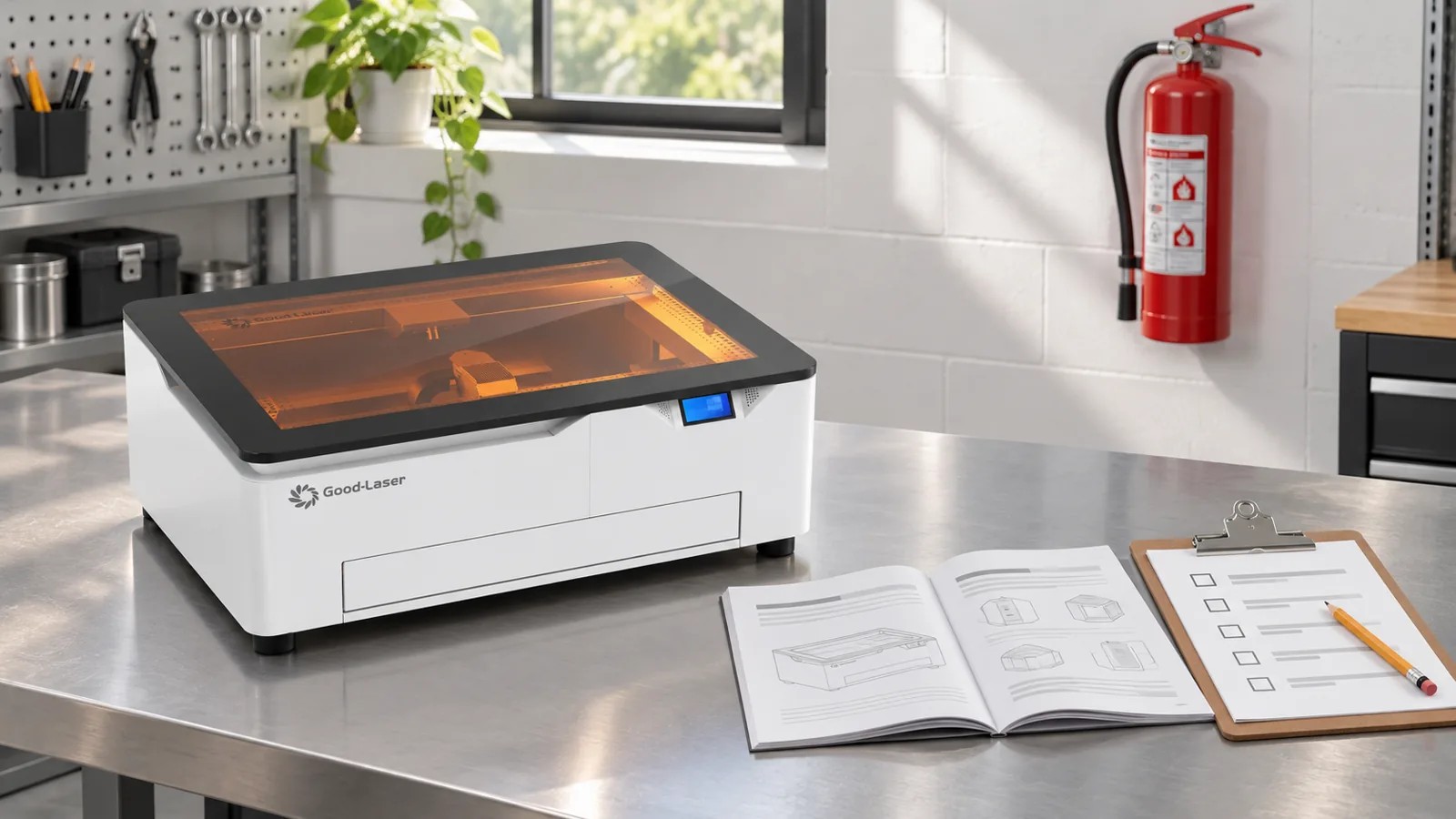
Check the workspace and safety controls before each job, especially after moving the machine.
- Read the model-specific manual and confirm the laser classification on the product label.
- Use the enclosure, interlocks and guards exactly as supplied. Never bypass an interlock.
- Keep the machine on a stable, non-combustible surface with clear space around the exhaust and moving parts.
- Operate the exhaust or approved filtration system for the full job and the manufacturer-specified clearing period afterward.
- Process only identified, approved materials. Do not experiment with unknown plastics or coated products without reliable composition data.
- Never leave the machine unattended while the laser is active. Paper, cardboard, wood and acrylic can ignite.
- Keep an appropriate fire extinguisher accessible and follow the site’s emergency procedure.
- If the machine instructions require eyewear, use protection specified for the laser wavelength and optical density. Generic tinted glasses are not a substitute.
- Stop the job if smoke escapes the enclosure, the exhaust loses flow, flames persist, the material shifts or a safety control fails.
- Reinspect focus, fixtures, cables, exhaust connections and interlocks after transporting the machine.
The University of Illinois laser cutter safety guidance identifies interlocks, ventilation, filtration, procedures and training as core controls. It also warns against processing materials such as PVC or vinyl, which can release hazardous and corrosive gases, and ABS, which can melt and produce dangerous emissions. Check both the manufacturer’s approved-material list and the material safety data sheet before processing a new material.
Is the Good-Laser Light Blue 530 a Portable Option?
The Light Blue 530 is an enclosed desktop option for users who move equipment occasionally and need more working space than many compact galvo engravers provide. Its listed 520 × 315 mm working area supports signs, flat craft products and small-batch layouts. The 20 W and 40 W blue-light options are aimed at common maker materials, and a compatible rotary accessory extends the system to cups and other cylindrical objects.
Plan to use it on a bench. The listed maximum material height is 15 mm, so confirm clearance before buying it for boxes, assembled products or tall rotary items. A blue-light laser also should not be selected for deep bare-metal engraving or general clear-acrylic cutting. Those applications call for a different laser source.
Frequently Asked Questions
Is a portable laser engraver really portable?
Some compact galvo machines can be carried easily, while enclosed desktop machines may require two people or a cart. Check the complete machine weight, accessories, exhaust equipment and setup time. “Portable” often means relocatable rather than handheld.
Can a portable laser engraver engrave metal?
It depends on the laser source and the type of mark. A blue diode can mark some coated or anodized metals. Infrared and fiber sources are generally better for marking bare metal. Deep engraving and metal cutting require more specialized equipment.
Can a portable laser engraver cut wood?
Many diode and CO₂ systems can cut compatible wood, but capacity depends on optical power, wood type, glue, thickness, focus, air assist and speed. Use the manufacturer’s approved-material guidance and test the actual sheet before production.
Can I use a portable laser engraver indoors?
Indoor operation requires controlled beam access and effective extraction or approved filtration. A small machine still produces smoke, particles and gases. Do not rely on an open window or the absence of visible smoke as proof that the air is safe.
Do I need laser safety glasses with an enclosed engraver?
Follow the machine classification, manual and local safety procedure. A correctly designed enclosure with functioning interlocks may prevent access to hazardous radiation during normal operation, but maintenance, alignment or operation with guards removed can require additional controls and wavelength-specific eyewear.
Is a portable engraver suitable for a small business?
Yes, when the products fit its work area and the order volume matches its cycle time. It works particularly well for personalized small items and short batches. For continuous large-format cutting or deep metal work, a larger dedicated system is usually more appropriate.
Choose the Machine Around the Job
Choose a portable machine when flexible placement and quick changeovers suit your work, and its bed size and output can meet your orders. Include extraction and safety equipment in that decision.
If your projects involve wood, leather, paper, coated metal, dark glass or small cylindrical products, review the Good-Laser blue-light engraving system. For help matching a machine to your material and production plan, contact Good-Laser with the material name, thickness, largest part size, required operation and expected daily quantity.