Best Laser Engraver for Small Business: A Practical Buying Guide
The best laser engraver for a small business is the machine that matches your paid products, materials, batch size, and workspace. Choose a diode laser for lower-cost wood and craft personalization, a CO2 laser for clear acrylic and broader non-metal production, or a fiber laser for fast, permanent marks on bare metal. Then compare throughput, setup time, safety, support, and total installed cost.
This guide is based on current manufacturer specifications, current search-result patterns, and published safety guidance. It is a purchasing framework rather than an independent laboratory test. Ask for sample processing on your own material and confirm the exact machine configuration available in your market before ordering.
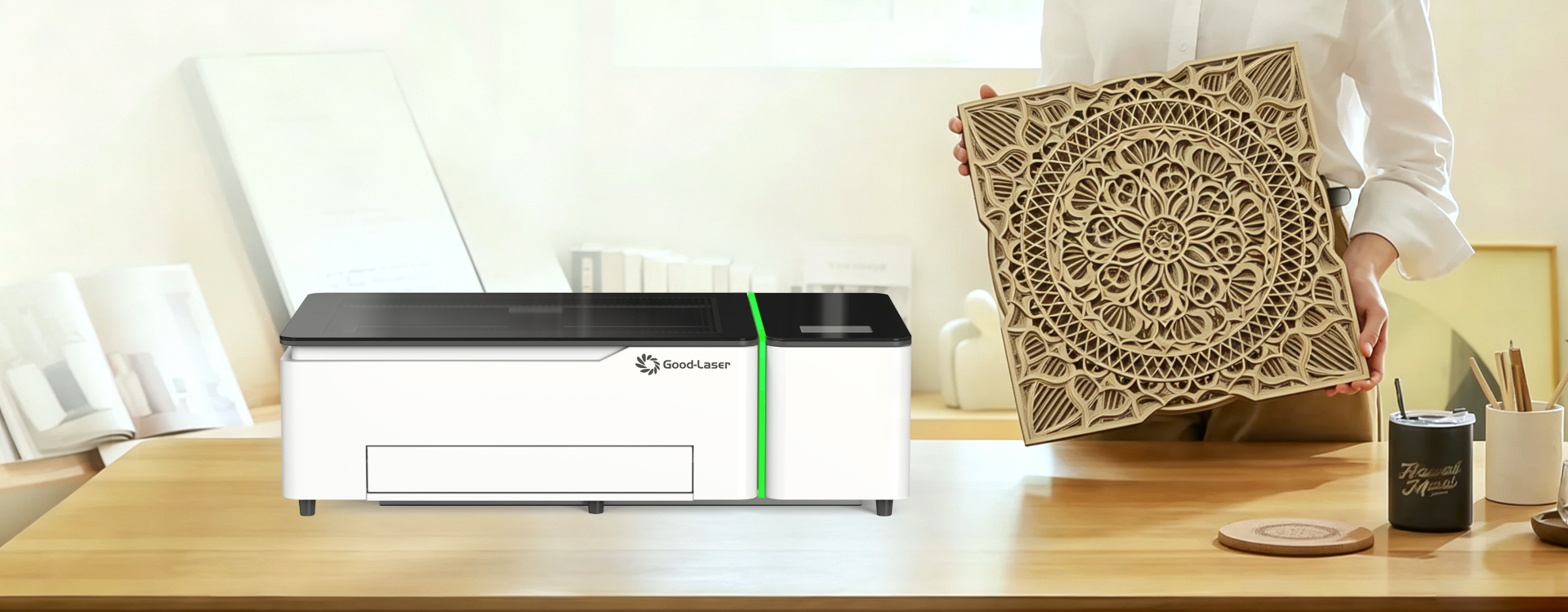
Quick Answer: Which Laser Engraver Is Best for Your Business?
Start with the products you expect to sell every week. The correct laser source matters more than a large wattage number or a long feature list.
| Business model | Best starting laser type | Typical paid products | Main limitation |
|---|---|---|---|
| Personalized gifts and craft products | Enclosed diode or desktop CO2 | Wood signs, coasters, leather patches, paper goods, coated tumblers | A blue diode is not the right tool for clear acrylic |
| Acrylic signs and displays | CO2 | Clear and colored acrylic signage, menus, displays, awards | Needs effective exhaust and more maintenance planning |
| Metal personalization and traceability | Fiber | Jewelry, tools, tags, QR codes, serial numbers, nameplates | Small work area and limited non-metal cutting capability |
| Growing batch production | Higher-throughput CO2 or a dedicated second machine | Repeated signs, packaging components, sets of personalized items | Larger footprint and higher installed cost |
If you are still learning the basics, review our laser engraver for beginners resources first. A business purchase adds another layer: the machine must produce consistent sellable work without consuming too much operator time.
What Makes a Laser Engraver Business-Ready?
A business-ready laser does more than make an attractive sample. It must repeat the result, fit a predictable workflow, and remain serviceable when orders are due.
Repeatable output
Repeat positioning, stable focus, material fixtures, and saved software settings reduce variation between the first item and the fiftieth. A camera can make placement easier on irregular blanks, while a jig can be faster and more repeatable for a standard product. Ask the supplier to demonstrate a batch, not only one ideal piece.
Useful throughput
Published maximum speed is only one input. Real throughput also depends on acceleration, job layout, material loading, focus changes, exhaust performance, cooling, cleanup, and rejected parts. Measure completed sellable units per hour instead of comparing millimeters per second alone.
Controlled setup time
Small orders often have strong margins but frequent artwork and fixture changes. Camera positioning, autofocus, a clear framing preview, reusable templates, and dependable file handling can save more labor than a small increase in cutting speed.
Manageable downtime
Check the warranty scope, replacement parts, lens and window availability, laser-source service life, maintenance schedule, training, remote support, and response process. For a busy shop, one preventable day of downtime may cost more than the difference between two machines.
Diode vs. CO2 vs. Fiber for Small-Business Products
No single laser source is best for every product. Match wavelength and machine design to the material that creates most of your revenue.
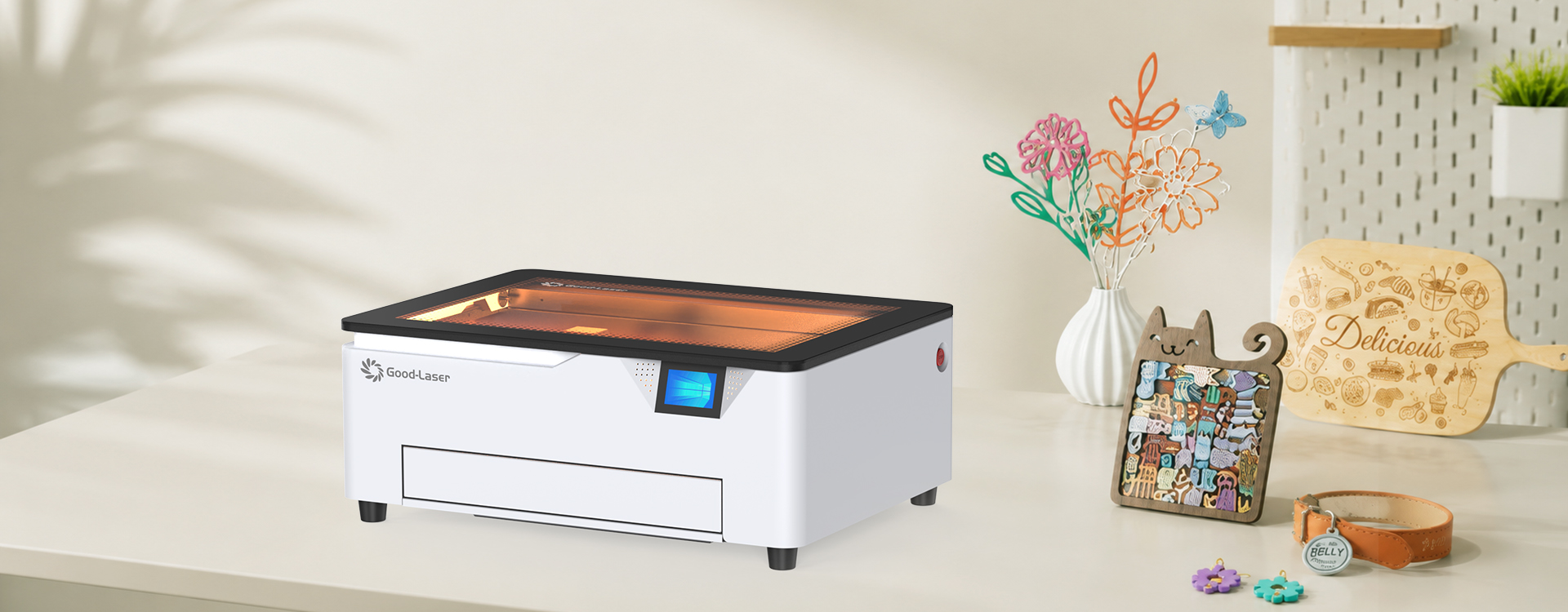
Diode laser: a lean start for wood and craft personalization
A diode laser engraver for wood can be a practical first production tool for paper, cardboard, felt, leather, bamboo, and selected dark or opaque materials as well. It usually requires less initial investment and occupies less space than a larger CO2 system. An enclosed design is easier to integrate into a home studio or small workshop than an open frame.
The limitation is material range and production speed. Blue light normally passes through clear acrylic instead of being absorbed efficiently, and direct marking on bare metal is not the same as removing a coating or using a marking compound. Choose a diode when your paid catalog fits the wavelength, not only because the purchase price is lower.
CO2 laser: the flexible choice for non-metal products
CO2 is usually the strongest general-purpose category for a shop selling clear acrylic signs, wood products, leather goods, paper packaging, fabric items, glass engraving, and other non-metal work. It is especially useful for laser engraving acrylic, including clear acrylic that a blue diode normally cannot process efficiently. More cutting capacity can shorten cycle times, and a larger bed lets you batch more items in one job.
The business must budget for exhaust, cooling where required, cleaning, optics, floor space, and material handling. Clear acrylic capability can open higher-value product lines, but a CO2 laser does not replace a fiber laser for direct, durable marking on bare metal.
Fiber laser: the specialist for metal marking
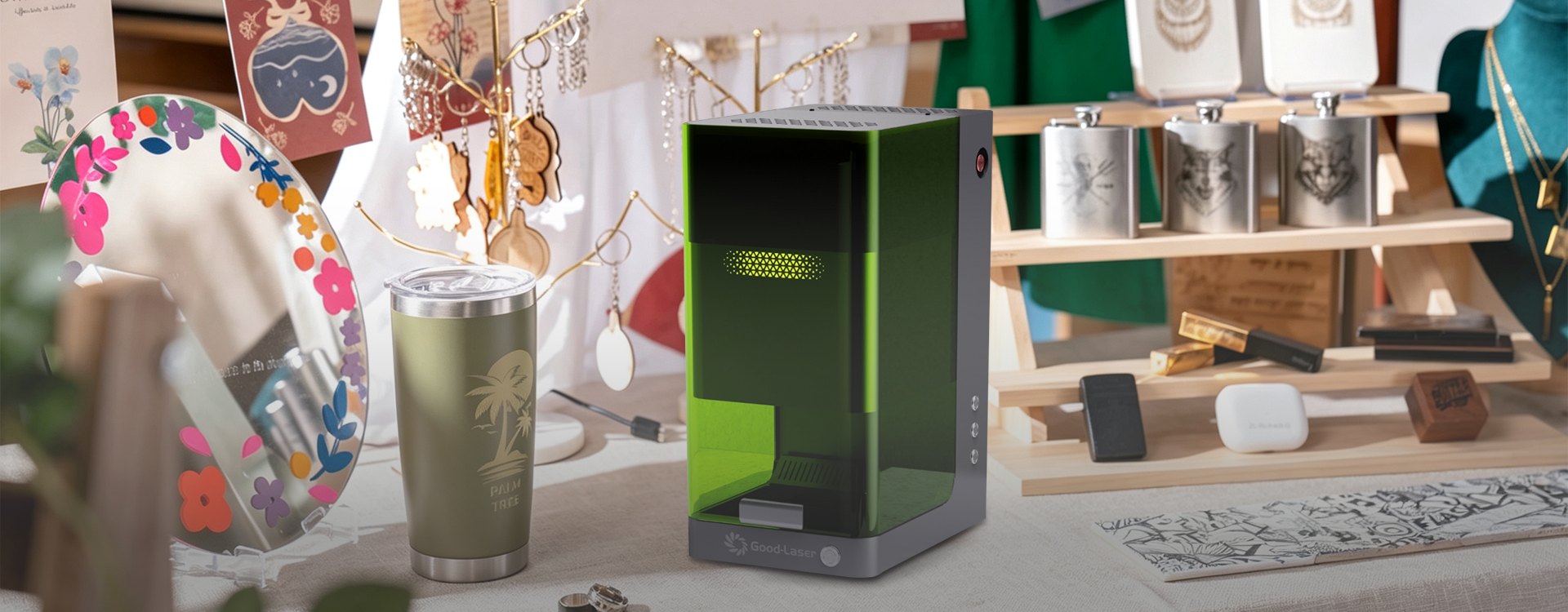
A laser engraver for metal should use a fiber source when the core service is fast marking, engraving, serialization, or decorative work on compatible bare metals and selected plastics. It can be valuable for jewelry, identification plates, tools, electrical components, industrial parts, and promotional products.
Fiber systems often use a smaller field than gantry-style diode or CO2 machines. Confirm the largest part, required mark depth, metal grade, finish, contrast, cycle time, and whether a rotary axis is needed. A fiber laser can be highly productive, but it is a specialist rather than a universal craft cutter.
Calculate Capacity and Total Cost Before You Buy
The best machine is the one that supports a profitable process under realistic demand. Use your own order data or a conservative pilot estimate.
Estimate sellable capacity
Sellable units per hour = units in one batch × yield rate ÷ total batch time.
Include artwork preparation, loading, framing, focus, processing, unloading, cleaning, inspection, and rework. For example, a 12-piece layout that takes 30 minutes but produces only 11 acceptable pieces delivers 22 sellable units per hour before packing—not 24.
Calculate contribution per machine hour
Contribution per machine hour = (selling price − blank material − packaging − payment and selling fees − direct labor) × sellable units per hour.
This is a planning measure, not a profit guarantee. It helps compare product lines and reveals when setup time or reject rate matters more than headline laser speed.
Budget the installed workflow
Include the machine, freight and tax, exhaust or filtration, air assist, cooling, cutting bed, rotary attachment, computer and software, electrical work, fixtures, initial materials, fire protection, cleaning supplies, spare optics, training, and planned maintenance. Also assign a value to operator time and expected downtime.
Use a conservative payback check
Estimated payback months = total installed cost ÷ conservative monthly contribution from laser products.
Run at least three scenarios: low demand, expected demand, and capacity-constrained demand. Do not use maximum speed, perfect yield, or a full order book as the only case. A machine that fits the low case is easier to carry while the customer base develops.
Good Laser Options for Different Small Businesses
Good Laser offers different laser categories rather than one machine for every job. The following fit is based on current published specifications and should be confirmed for the exact regional configuration.
| Model family | Published configuration | Best business fit | Confirm before ordering |
|---|---|---|---|
| Diode laser engraver — Light Blue 530 | 20W/40W blue laser options, 520 × 315mm work area, enclosure, interlock, emergency stop, LightBurn support | Wood and craft personalization, leather patches, paper products, selected dark materials | Exact material, thickness, batch time, focus workflow, rotary compatibility |
| Desktop laser cutter — Light 530 | 55W CO2, 520 × 300mm work area, 16MP camera, up to 600mm/s published speed | Clear acrylic, signs, gifts, glass engraving, mixed non-metal product lines | Exhaust route, cooling and maintenance, accessory package, sample results |
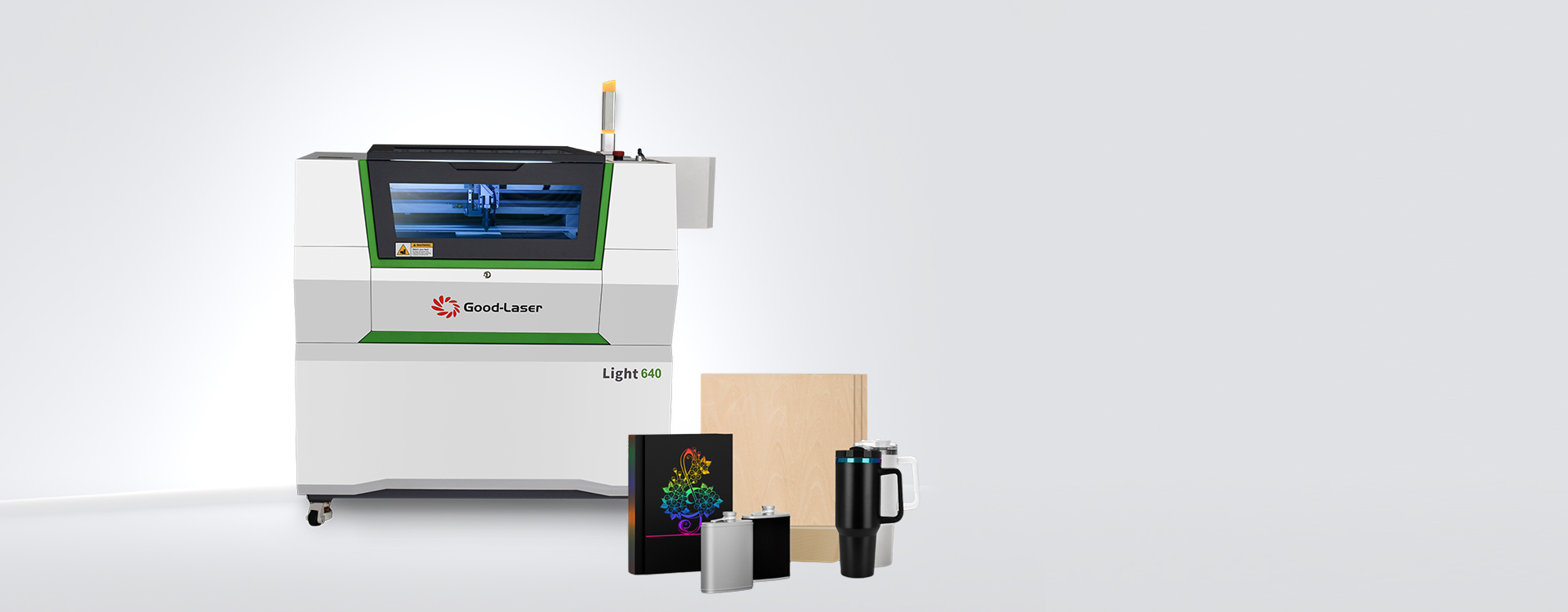
| Commercial laser engraver — Light 640 series | CO2 configurations, 600 × 400mm work area, up to 1000mm/s published speed, rear pass-through design | Growing shops that need a larger batch area, longer material handling, and higher non-metal throughput | Laser-source option, power, machine footprint, electrical supply, cooling, installed exhaust |
| Fiber laser engraver for metal — Mark M20 | Desktop fiber marking platform for compatible metals and plastics; configuration varies | Metal tags, jewelry, nameplates, codes, serial numbers, tools, industrial marking | Exact laser power and source, field size, lens, mark depth, metal grade, rotary needs |
Published specifications show what a machine is designed to do; they do not predict your exact production result. Request laser engraving samples made with your material, thickness, artwork, required finish, batch quantity, and target cycle time.
Seven Features That Protect Margin
1. A work area that supports batching
Measure the largest product and the most common batch layout. A larger bed may increase output, but only if the process can load, fixture, and unload it efficiently. Check usable height, rotary clearance, pass-through dimensions, and whether a jig blocks part of the advertised area.
2. Camera positioning or dependable jigs
A camera is valuable for irregular blanks and visual placement. A physical jig is often better for repeat production because it sets the same origin every time. The strongest workflow may use a camera for setup and a jig for the batch.
3. Software that preserves repeat jobs
Confirm file-format support, layer-based power and speed controls, framing, camera calibration, material presets, offline capability, licensing cost, and operating-system compatibility. Review the available laser cutter software and the laser engraver settings chart when planning the production workflow.
4. Rotary and pass-through options
A rotary attachment expands a drinkware or cylindrical-product catalog. A pass-through supports long signs and panels. Verify the maximum diameter, weight, chuck or roller method, clearance, repeatability, and safety procedure rather than assuming every accessory fits every model.
5. Extraction sized for the workload
Laser processing creates smoke, particles, gases, and odors. The OSHA Technical Manual states that adequate ventilation should reduce potentially hazardous fumes and vapors created by laser cutting and other target interactions. Confirm the material, duct route, fan or filtration capacity, replacement filters, discharge rules, and local workplace requirements.
6. Enclosure, interlocks, and emergency controls
A business should control access to the beam and moving system. The FDA laser FAQ explains that higher laser classes present greater potential hazards and that labels should identify the class and output. Ask for the classification and compliance documentation for the exact model and market. An enclosure is valuable, but it does not replace training, supervision, ventilation, or fire procedures.
7. Parts, support, and a recovery plan
Ask which items are consumables, which parts are stocked locally, how remote diagnosis works, and what the expected service process is. Keep approved cleaning supplies and critical consumables on hand. If one machine carries most of the revenue, plan how urgent orders will be handled during service.
Product Lines That Are Easier to Validate
The most promising first product is not automatically the one with the highest selling price. A better pilot product uses readily available blanks, has a short and repeatable setup, produces low scrap, ships safely, and solves a clear customer need.
- Standardized personalized gifts: coasters, keychains, plaques, ornaments, and boxed sets use reusable layouts and fixtures.
- Business signage: desk signs, room signs, menu displays, QR displays, and door plates can create repeat B2B orders.
- Event and wedding products: place cards, table numbers, cake toppers, invitations, and favors are batch-friendly but deadline-sensitive.
- Leather and textile details: patches, labels, tags, and branded components can support makers and local manufacturers when the material is confirmed laser-compatible.
- Metal identification: nameplates, asset tags, serial numbers, tool marking, and jewelry personalization fit a fiber workflow.
Validate demand before buying accessories for every possible product. Ten paid pilot orders reveal more than a large catalog of untested ideas.
A 30-Day Validation Plan Before Scaling
- Choose three products. Select products that use the same laser type and share materials or fixtures.
- Request representative samples. Use your actual material, artwork, size, finish, and expected batch quantity.
- Time the complete workflow. Record design preparation, setup, processing, cleanup, quality inspection, and packing.
- Calculate unit economics. Include rejected parts, direct labor, packaging, fees, consumables, and a maintenance allowance.
- Sell a small pilot batch. Test price, demand, delivery expectations, and customer feedback before expanding inventory.
- Standardize the winning job. Save the file, settings, material source, focus method, jig, inspection standard, and packing instructions.
- Recheck capacity. Decide whether the constraint is laser time, operator time, finishing, sales, or fulfillment before buying more equipment.
Common Buying Mistakes
Buying by wattage alone. Wavelength, beam quality, material absorption, focus, motion, air assist, and workflow determine the result.
Using maximum speed as production speed. Published speed does not include setup, acceleration, loading, cleanup, or quality loss.
Choosing the cheapest machine without pricing labor. Repeated alignment, slow focus changes, weak software, and inconsistent output can make a low purchase price expensive.
Ignoring exhaust until delivery. Ducting, filtration, replacement filters, noise, building rules, and discharge location can determine where the machine can operate.
Assuming every plastic or leather is safe. Obtain material identity and supplier guidance. Do not process unknown materials or PVC/vinyl-containing products.
Offering too many products at launch. A focused catalog makes it easier to buy blanks, create jigs, save settings, train operators, and meet delivery dates.
Trusting a sample made under different conditions. Request a test on your material thickness, finish, artwork, and batch requirements.
Frequently Asked Questions
What is the best laser engraver for a small craft business?
An enclosed diode laser is a practical starting point for wood, paper, leather, felt, bamboo, and selected dark or opaque craft materials. Choose CO2 instead if clear acrylic, glass engraving, or faster non-metal cutting is central to the catalog. Compare the total workflow and request a batch sample before purchasing.
Is a CO2 laser worth it for a small business?
A CO2 laser can be worth the higher installed cost when clear acrylic, signage, mixed non-metal products, or repeated cutting jobs generate enough demand. Estimate sellable units per hour and contribution per machine hour, then include exhaust, cooling, maintenance, floor space, and operator time in the decision.
Can a diode laser run a profitable business?
Yes, if the product catalog matches diode-compatible materials and the required volume fits the machine. Profit depends on pricing, demand, labor, yield, and fulfillment as well as laser speed. A focused line of personalized wood, leather, paper, or coated products can be more viable than a broad catalog with frequent setup changes.
Which laser is best for metal products?
A fiber laser is usually the correct category for direct, durable marking and engraving on compatible bare metals. Diode and CO2 systems may mark coatings, anodized surfaces, or treated metal under suitable conditions, but they do not replace a fiber source for many metal applications. Confirm the alloy, finish, depth, contrast, and field size.
How large should the laser work area be?
Choose a work area for the largest product and the normal batch, with room for fixtures and safe clearance. Also check material height, rotary space, pass-through dimensions, and loading access. A larger bed improves output only when the rest of the workflow can feed and finish the larger batch.
How do I estimate whether a laser will pay for itself?
Calculate conservative monthly contribution from products after materials, packaging, fees, direct labor, rejects, and operating costs. Divide total installed cost by that contribution to estimate payback months. Run low, expected, and high-demand cases, and avoid treating a forecast as guaranteed revenue.
What should I send a supplier before requesting a quote?
Send the material name and thickness, maximum product dimensions, artwork, required finish, cutting or engraving depth, batch quantity, target cycle time, daily workload, workspace and exhaust limits, software preference, power supply, destination country, and desired accessories. Request sample results and the exact included configuration.
Choose the Machine Around the Orders You Want to Win
The best laser engraver for a small business is the one that produces your core products safely, repeatedly, and at a sustainable cost. Define the material and product mix first, validate the full cycle time, and compare the installed workflow—not only the machine price.
Contact a laser cutting machine supplier at Good Laser with your material samples, product sizes, batch targets, and workspace requirements. Ask for a representative test, included accessories, applicable compliance documents, training and support details, lead time, and total installed cost.