Diode Laser Engraver Buying Guide: Power, Materials, Limits and Machine Selection
A diode laser engraver is a practical choice for wood personalization, paper crafts and selected coated materials. Choose one by its optical output, usable work area, enclosure and verified material results. For clear acrylic cutting or regular deep metal engraving, a different laser source usually fits the job better.
Start with the products you plan to make. A shop engraving small wooden boxes needs a different setup from one cutting full sheets of clear acrylic. Buying for a realistic weekly workload makes the power, software and accessory decisions much easier.
What a diode laser engraver does
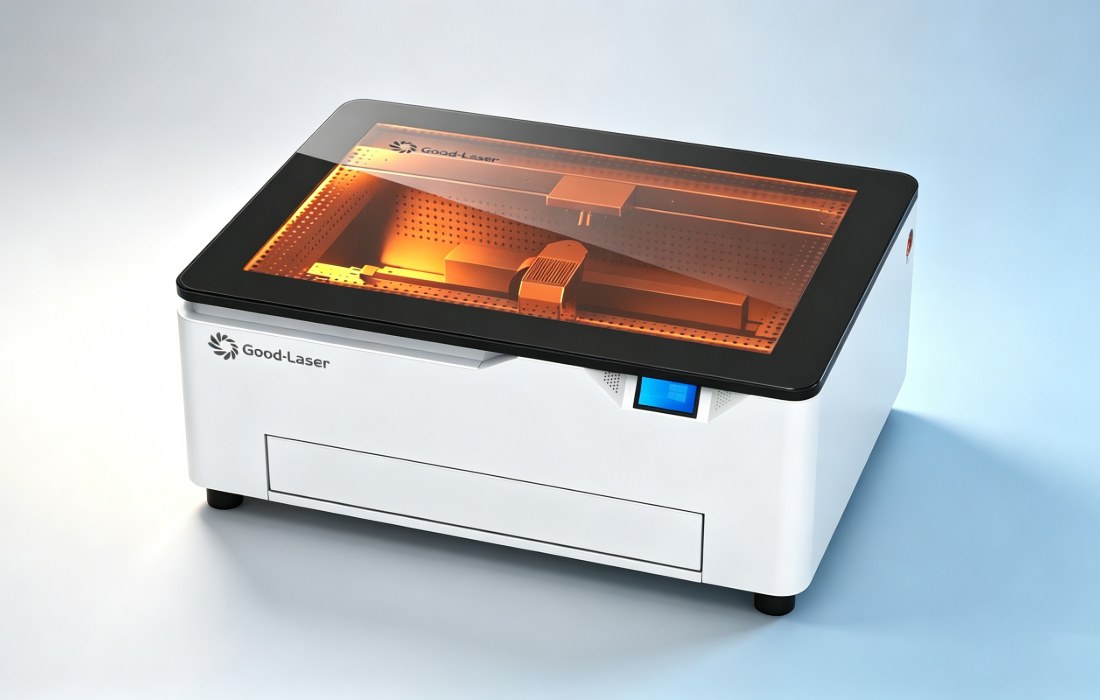
A semiconductor laser module produces a focused beam that heats the workpiece. On common blue diode machines, the head moves across a flat bed while software controls its path and output. The material must absorb enough of that light for the intended process to work.
Engraving removes or changes material near the surface. Marking can change a coating or surface appearance without creating a deep recess. Cutting separates the sheet through its full thickness. A machine that produces a readable mark on stainless steel has not demonstrated that it can cut stainless sheet.
Match the laser to your materials
Material identity matters as much as thickness. Two sheets sold as plywood can differ in glue, internal voids and surface finish. Acrylic color changes how a blue beam interacts with it. Ask for a test using your actual stock before committing to a production job.
| Material or job | Typical blue diode use | What to check |
|---|---|---|
| Wood, plywood and bamboo | Surface engraving and cutting suitable thinner stock | Species, adhesive, thickness, charring and number of passes |
| Paper and card | Cutting and light marking | Coatings, small-feature strength and fire control |
| Leather | Engraving and some cutting | Use material approved for laser processing; verify tanning and coatings |
| Dark, opaque acrylic | Some grades can be processed | Test the exact color and grade; opacity alone does not guarantee a good cut |
| Clear acrylic | Poor fit for through-cutting with a blue diode | Evaluate a CO2 machine |
| Painted or anodized metal | Surface marking on suitable finishes | Contrast, coating removal and durability requirements |
| Bare metal | Limited, model-specific surface marking | Do not assume deep engraving or sheet-cutting capability |
| Slate and suitable stone | Decorative surface marks | Texture, uneven height and the appearance of fine lettering |
If wood is your main product, compare a laser engraver for wood using the same artwork on several pieces from your supplier. Inspect the reverse face of a cut and the corners of small letters, where defects are easier to spot.
Transparent glass also needs care. A coating-assisted surface-marking method is a separate process with extra preparation and cleanup. It does not make glass a routine cutting material for a desktop diode machine.
Read power and speed specifications correctly
Optical output describes the laser light delivered by the source. Electrical consumption includes power used by the machine and its components. These figures answer different questions. A large number on the power supply is not the laser's cutting output.
For an engraving-led business, compare fine text, line consistency and photo detail at the intended production size. For a cutting-led business, compare complete cut-through, edge finish and cycle time. A higher-power module can improve cutting throughput, but its spot geometry and low-power control still need to suit your engraving work.
| Specification | Useful buying question |
|---|---|
| Optical power | Is this sustained laser output, and which module is included? |
| Maximum speed | How long does my actual cut-and-engrave file take? |
| Spot size | Can the machine reproduce my smallest text on the intended material? |
| Maximum cutting thickness | Which material, settings, pass count and finish were used? |
| Positioning accuracy | What finished-part tolerance can a sample demonstrate? |
Maximum travel or engraving speed rarely describes a complete job. Acceleration, short line segments, scanning direction, repositioning and loading all affect output. Ask to time a representative batch, including setup and unloading, instead of comparing headline speeds alone.
Check bed size, clearance and daily handling
The usable work area must fit the part and any fixture. Leave room for clamps, alignment stops and a safe framing move. If you make many small items, a reusable jig may save more operator time than a larger bed.
Also measure the lid opening, the space needed for exhaust ducting and the height of the tallest finished item. A flat-bed specification does not prove that a rotary attachment and a handled tumbler will fit together. Confirm the accessory, connector and available clearance as one setup.
Choose an enclosure and a workable exhaust arrangement
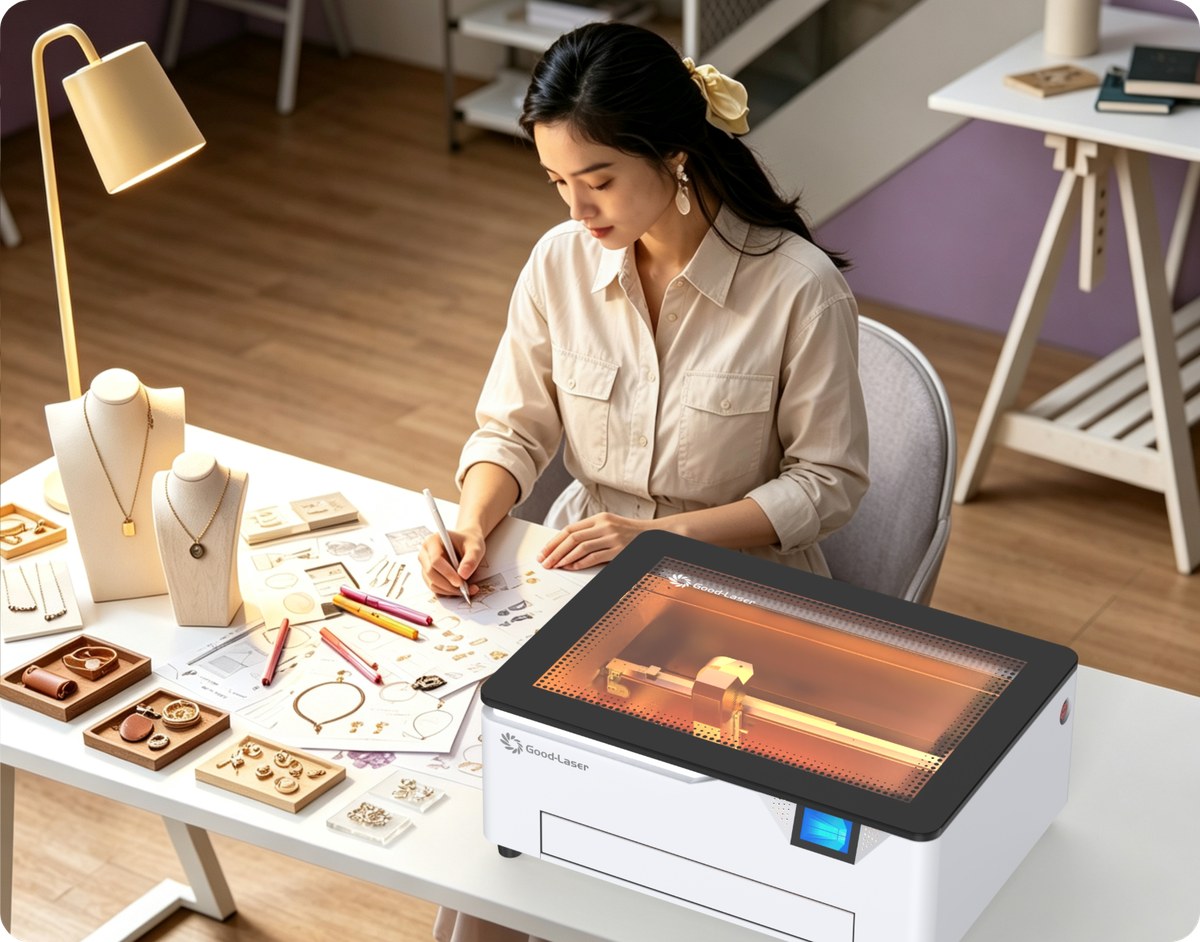
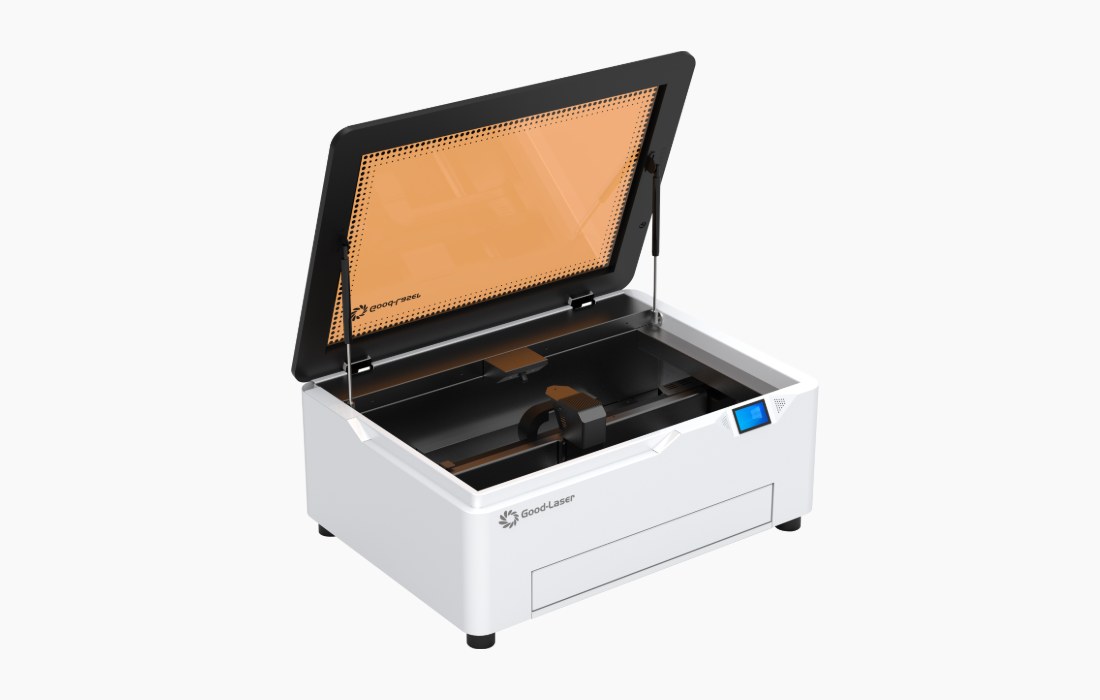
An enclosure, a functioning lid interlock and an accessible emergency stop are useful buying criteria. Confirm the laser classification and operating instructions for the exact configuration you receive. A colored cover by itself does not establish a safety rating.
Air assist and exhaust serve different purposes. Air assist directs flow near the cutting point. Exhaust removes process emissions from the enclosure. Plan where that exhaust will go, how filters will be maintained and how the machine will be supervised before installing it.
Never leave a laser job unattended. Keep the bed free of scraps, follow the machine's fire-response instructions and do not defeat interlocks to accommodate a larger item. Reject unidentified plastics, PVC-containing material and unverified synthetic leather. Check material composition and the supplier's laser-processing guidance before use. LightBurn's official safety guidance is a useful starting point alongside the machine manual.
Confirm software support before buying
Importing a design file and controlling a machine are separate capabilities. Ask which software version, controller profile and connection method are supported. Check the operating system on the computer you will actually use, along with any camera or rotary features needed for the job.
Good-Laser's laser engraving software resources introduce LightMaker and related workflows. If you prefer another supported program, request the correct machine profile and a short setup demonstration. Do not assume that a mobile app and desktop software offer identical functions.
Where the Good-Laser Light Blue 530 fits
The Light Blue 530 diode laser engraver is listed with 20W and 40W laser options, a 520 × 315 mm work area, manual focus and USB connection. Its product page also lists desktop LightBurn support and an enclosed design with an interlock and emergency stop.
A studio producing wooden gifts could use a sample test to compare the two modules. Include fine lettering and the cuts you repeat most often, since the module that finishes a cut fastest may not produce your preferred engraving detail.
For a product range built around clear acrylic, compare a co2 laser engraver before purchasing a diode model. If deep metal engraving is the main task, request a demonstration with an appropriate metal-marking laser source instead.
Run a sample test that answers the buying question
Send the supplier a production-sized file and a few pieces of the exact material. A decorative demonstration on unknown stock will tell you less than a simple test containing your smallest lettering, tightest curve and most difficult cut.
- Record the material supplier, grade, thickness and surface treatment.
- Include both engraving and cutting if the finished product needs both.
- Ask for the optical power option, focus method, speed units, power percentage and pass count.
- Inspect contrast, edge discoloration, backside marks and dimensions.
- Repeat the job in the intended fixture and record loading, processing and cleanup time.
Use the laser engraver settings chart as a starting resource, then keep a record for your own machine and material. A parameter that works on one batch may need adjustment when the wood, coating or thickness changes.
Budget for the working setup
Compare delivered systems with the same scope: machine, required exhaust, cutting bed, air assist, software, training and any rotary or fixtures. Include filter replacement, approved lens-cleaning supplies, test material and replacement-module availability in the operating budget.
For production planning, calculate cost per accepted part. Divide the batch's material, labor and machine costs by the number of saleable pieces. A low purchase price loses its advantage if every order needs extensive sanding or repeated setup.
Frequently asked questions
Is a diode laser engraver suitable for a beginner?
It can be, particularly for wood engraving and small craft projects. Prioritize a supported software workflow, an enclosed machine, clear operating instructions and a suitable exhaust arrangement. A beginner still needs to identify materials, focus correctly and supervise every job. Ask the supplier to demonstrate the complete process with a simple file you can repeat.
Should I choose a 20W or 40W diode laser?
Compare them on the work you expect to sell. More optical power can help with cutting speed and pass count, while fine engraving also depends on the spot, focus and low-power control. Have the supplier run the same file on the same material with both options. Compare finished quality and total batch time before paying for the larger module.
Can a blue diode laser cut clear acrylic?
Clear acrylic transmits much of the visible blue light, so a blue diode is a poor choice for reliable through-cutting. Some dark acrylic grades behave differently because of their pigments. If clear acrylic signs, displays or parts are a regular product, evaluate a CO2 machine and test the exact sheet grade and thickness.
Can a diode laser engrave metal?
It can mark suitable coatings and some metal surfaces, depending on the module and process. Removing a painted finish, changing a surface color and engraving a measurable recess are different results. Specify the mark you need and test its readability and durability. Do not infer deep bare-metal engraving or metal-cutting performance from a surface-marking example.
Does an enclosed laser still need ventilation?
Yes. An enclosure helps contain the process, but it does not remove emissions by itself. Use the exhaust or filtration arrangement specified for the machine and materials. Maintain filters and ducts, and check extraction before running. Air assist at the nozzle is also not a replacement for extracting fumes from the enclosure.
How much maintenance does a diode engraver need?
Routine work includes clearing debris, checking extraction, inspecting the optical window and following the manufacturer's cleaning instructions. Dust and residue can reduce performance, so investigate a gradual drop in cut quality before increasing power. Ask about consumable availability and service procedures when buying; an advertised module lifespan is not a guarantee of unchanged output throughout that period.
Choose around a proven sample
If you are evaluating Good-Laser as your laser cutting machine supplier, send your material, thickness, artwork size and typical batch quantity. Ask for a Light Blue 530 sample with the proposed module and a record of the processing conditions. That gives you a concrete basis for choosing the machine and planning your first jobs.