CO2 Laser Cutter Buying Guide: Power, Bed Size, Materials and Cost
A CO2 laser cutter is a practical choice for cutting wood and acrylic and engraving many nonmetal materials. Choose one around your actual jobs: material, thickness, sheet size, finish and daily volume. Laser power matters, but usable bed space, extraction, software and service can have just as much influence on what you can deliver.
Bring a few physical samples to the buying discussion. If you sell plywood assemblies, for example, show the supplier the joints that must fit and the cut edges your customers will see. Use the same samples when comparing demonstrations.
Decide what the machine must produce
Separate cutting work from engraving work before comparing equipment. Cutting follows a path through the sheet. Engraving forms an image or recess on the surface. A shop making large signs has different requirements from a studio personalizing small gifts, even when both use the same material.
Write down your three most frequent jobs and your largest realistic order. Include the material supplier, thickness, blank dimensions, artwork and acceptable edge appearance. If you regularly buy mixed plywood, test more than one sheet: adhesive layers and internal voids can affect the result.
| Typical work | Buying priority | Useful sample test |
|---|---|---|
| Wood signs and model parts | Cut quality, usable bed and repeat positioning | A nested sheet with small slots and curved outlines |
| Acrylic displays | Edge finish and material support | The actual acrylic grade with the final joint design |
| Personalized plaques | Fine text, placement and cleanup time | Your smallest lettering and a large filled logo |
| Glass gifts | Surface engraving and fixture clearance | A spare item from the intended glassware batch |
| Bare metal identification | A different laser source may be needed | The exact alloy and requested mark, tested on a suitable system |
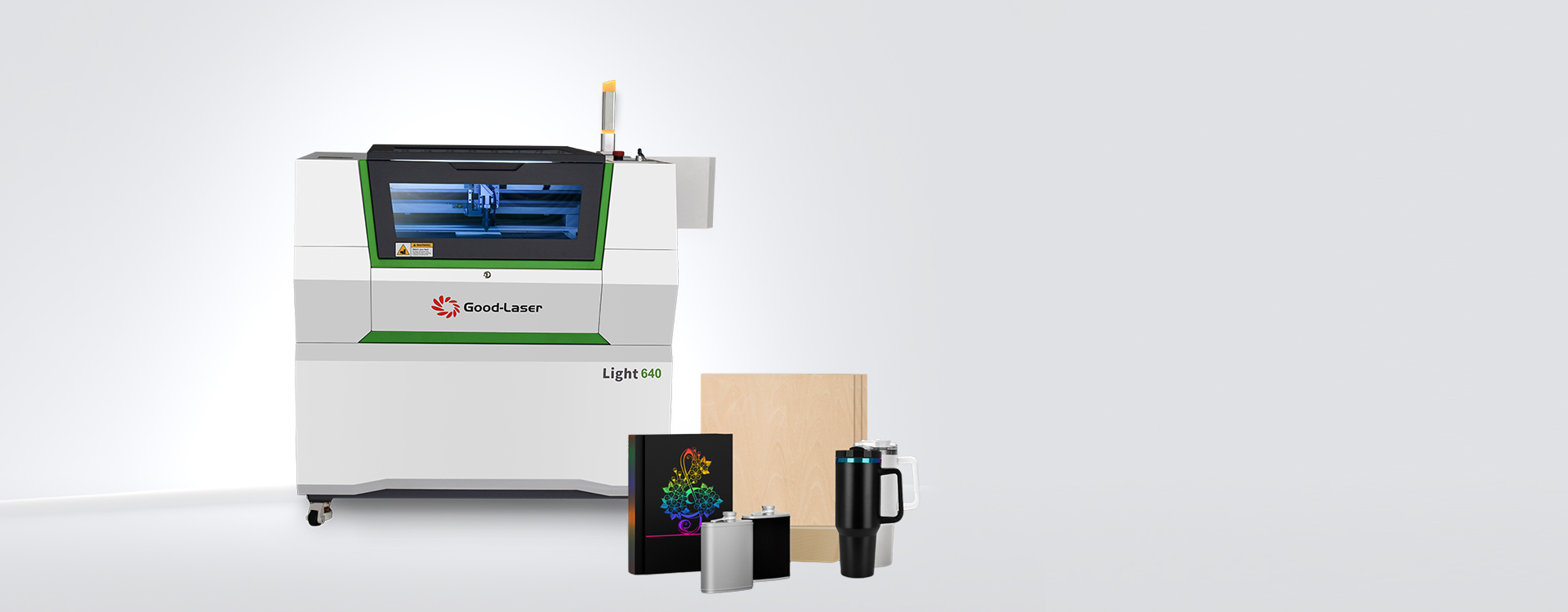
Use the Good-Laser co2 laser cutter range to compare machine formats once this job list is clear. A material list alone cannot tell you the production speed or finish you will get.
Choose power through a material test
Ask what a machine can cut cleanly at the thickness you sell every week. A maximum-thickness claim is a poor substitute for that answer. It may describe a slow demonstration on a particular material, rather than a setting you would want to repeat throughout a working day.
Higher available power can provide more cutting capacity, but it does not automatically improve every engraving. Focus, optics, the motion system and the selected settings still matter. For fine artwork, compare the smallest letters and narrowest gaps after cleaning the sample.
Request the power, speed, number of passes and elapsed job time used for each demonstration. Keep the units: 100 mm/s and 100 mm/min are very different speeds. Percentage power values also do not transfer directly between machines.
For example, a shop cutting one material every day should make that material its acceptance test. A studio with mostly engraving orders can give more weight to image detail and easy positioning. Neither needs to pay for capacity that its actual work cannot use.
Measure the usable bed and the room around it
The working area must accommodate the job, its fixture and the movement required to run it. Check the largest blank in both orientations. Leave room for stops or clamps, and ask about any restricted area near the edges.
Batch layout deserves a separate check. If your regular order contains twelve plaques, compare how many fit in one setup and whether each can be loaded without disturbing the others. A larger bed may reduce handling, while an oversized machine may consume space without improving that particular order.
Good-Laser lists a 520 × 315 mm working space and a 55 W CO2 source for the Light 530 desktop laser cutter. Use those figures to screen your blank sizes, then confirm fixture clearance and the supplied configuration before ordering.
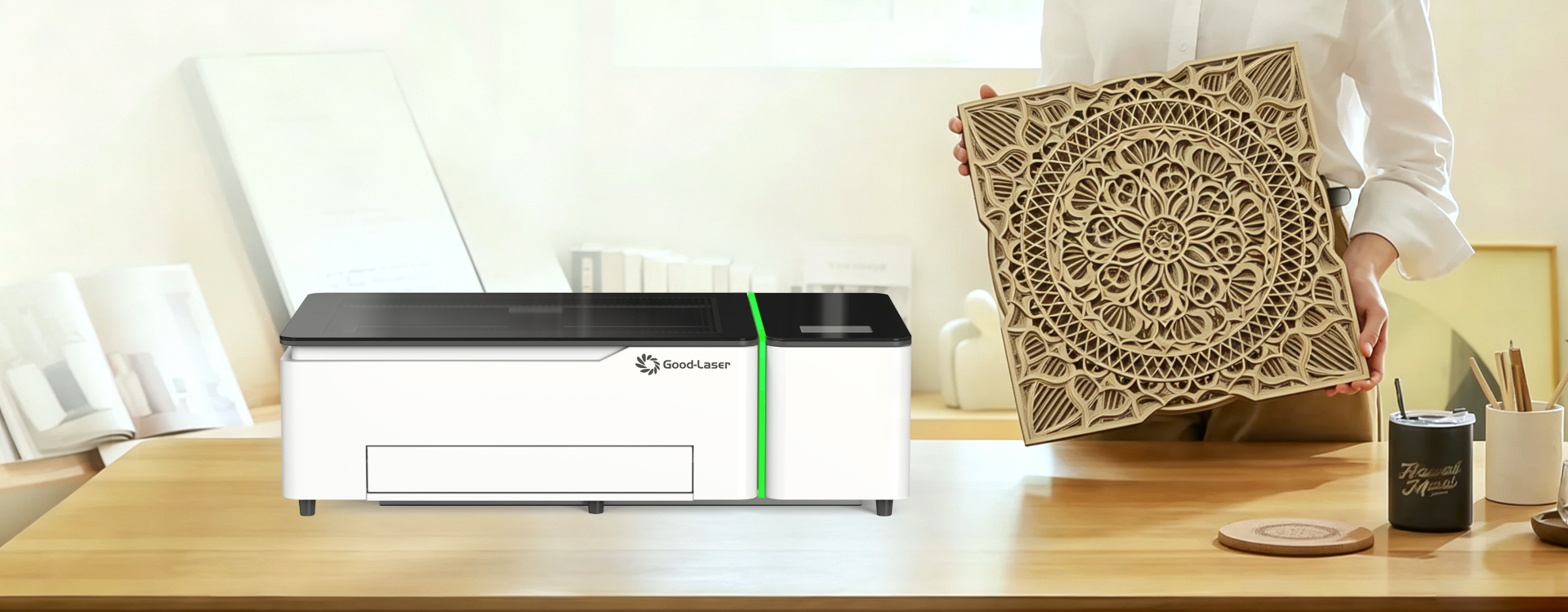
Measure the installation route too: doorways, bench footprint, lid clearance and service access. Allow space for extraction equipment and ducting. If you plan to engrave cylinders, ask how much vertical clearance remains after installing the approved rotary attachment.
Check materials and edge quality separately
Two materials sold under the same broad name can behave differently. For wood, include the species, construction and finish in the sample request. For acrylic, identify the grade and whether the job needs a clear cut edge, a frosted engraving or both.
Good-Laser's wood laser cutter and acrylic laser cutter machine pages provide material-specific starting points. Your approval should still be based on your own stock and artwork.
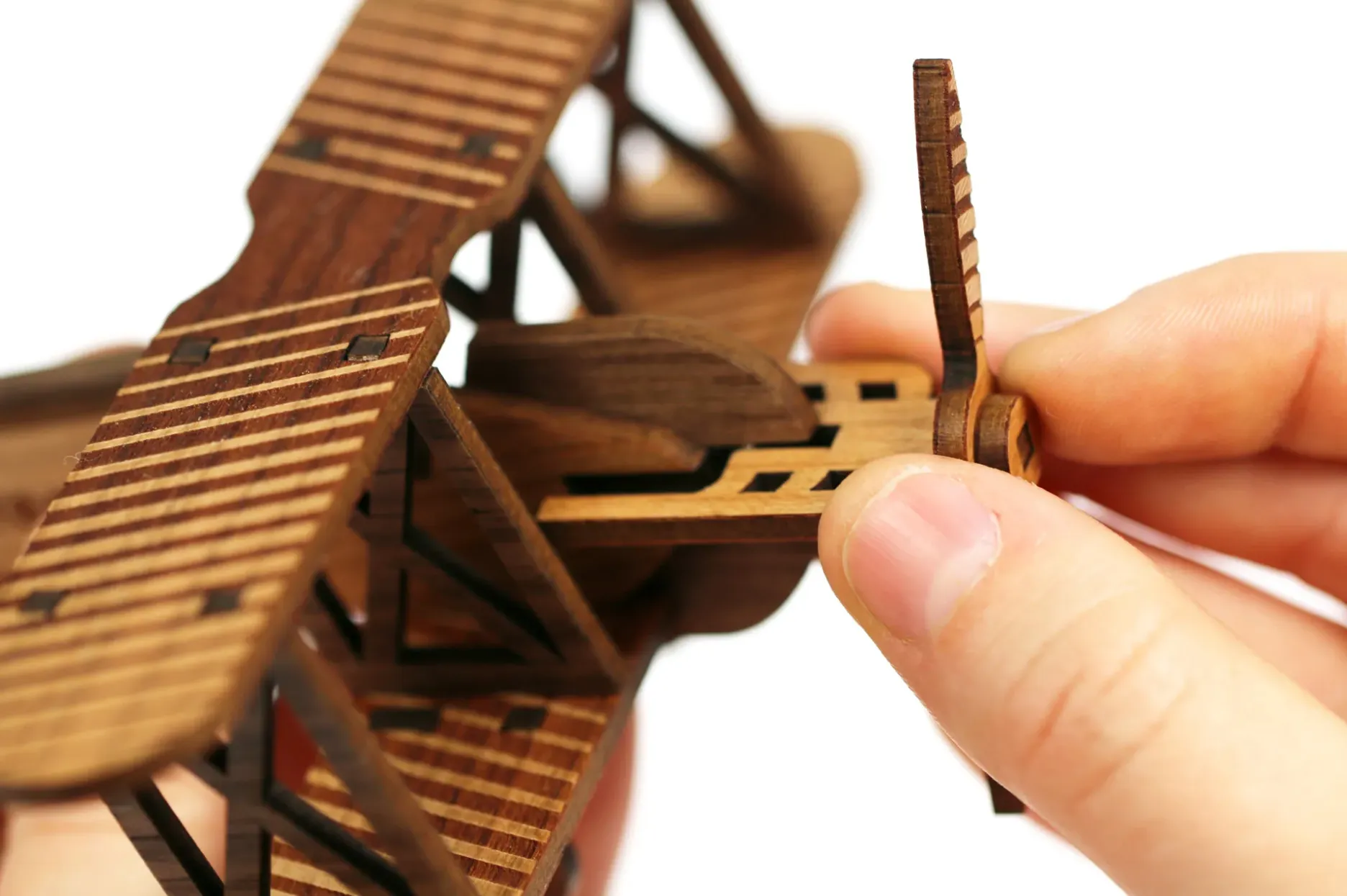
Judge the finished piece as a customer would. Does a slot fit after cleanup? Does soot transfer onto packaging? Are small islands of material secure? If sanding, polishing or masking is required, include that work in the production estimate.
Budget for extraction, upkeep and software
The installed cost includes more than the machine. Ask for an itemized quotation covering extraction, any required cooling equipment, delivery, installation, training, software and useful fixtures. Confirm which items are included with the exact configuration being quoted.
Good-Laser lists LightMaker and LightBurn support on the Light 530 page. Before committing, send a representative design file and have the supplier demonstrate the import, scale, layer settings and output. Check any separate license cost and the computer requirements for the supplied software version.
Keep a simple monthly cost sheet. Include labor, electricity, extraction filters, cleaning supplies, replacement parts and rejected blanks. An attractive purchase price can become less attractive if every order requires lengthy setup or rework.
For a planning example, suppose an order uses 40 minutes of machine time, 15 minutes of setup and 20 minutes of cleaning and packing. That is a 75-minute workflow before allowing for interruptions. This is an illustrative calculation, not a Good-Laser performance claim. Time your own sample order before setting a selling price.
Check safe operation before installation
Plan suitable ventilation, keep interlocks functional and supervise the machine while it runs. Do not process unidentified plastics or PVC. MIT's laser cutter safety guidance also emphasizes training, deck cleaning and never leaving an operating cutter unattended. Have the installation reviewed for your premises and materials; an enclosure does not remove the need for extraction.
What to request with a quotation
Send one short brief with your material samples, largest blank, desired finish and expected order size. Request a photo of the cleaned result, a complete-job timing and a written equipment list. Ask which wear parts you can replace locally and what information support will need if a job starts losing quality.
Keep one approved sample and its settings as a reference. If later production differs, that reference helps you distinguish a material change from a focus, cleanliness or machine issue.
Frequently asked questions
How much power does a CO2 laser cutter need?
It depends on the material, thickness and required output. Start with your most demanding regular job and request a timed sample. Compare the cleaned edge and number of passes as well as the wattage. A supplier should be able to explain why the proposed configuration suits that specific workload.
Can a CO2 laser cutter engrave metal?
Some coated or anodized surfaces can be marked with an appropriate CO2 process. Direct engraving of bare metal is a different requirement and often calls for fiber equipment. Tell the supplier the alloy and surface finish rather than asking whether the machine can simply “do metal.”
Is a desktop machine enough for a small business?
It can be, if your blanks fit and the complete workflow meets your order volume. Check loading, engraving, cleaning and packing time. Also allow for growth that is reasonably likely, such as a second fixture or larger repeat order, rather than sizing the machine around an occasional hypothetical job.
Should I choose glass-tube or RF CO2 equipment?
Ask for comparable samples and a maintenance quotation for each proposed configuration. Look at engraving detail, cutting performance, source replacement arrangements and required cooling. The source type is one part of the decision; the complete machine and local service arrangements determine how it fits your workshop.
How much does a CO2 laser cutter cost to own?
Use an itemized installed quotation plus an operating-cost estimate. Include extraction, software, delivery, training, upkeep and rejected stock. Published headline prices may omit some of these items. For a useful comparison, ask suppliers to quote the same material test, accessories and installation scope.
Browse Good-Laser's laser engraving samples, then send your material, dimensions, artwork and expected batch size for a configuration discussion. A sample made to your requirements is the clearest basis for choosing a machine.